Undergraduates: Next steps
SCROLL TO EXPLORE


SCROLL TO EXPLORE
You should have now all received your college parents letters via email!
Please do contact Holly (admissions@bnc.ox.ac.uk) if you haven’t got yours yet – some of the initial emails bounced, so we’ll resend it 🙂
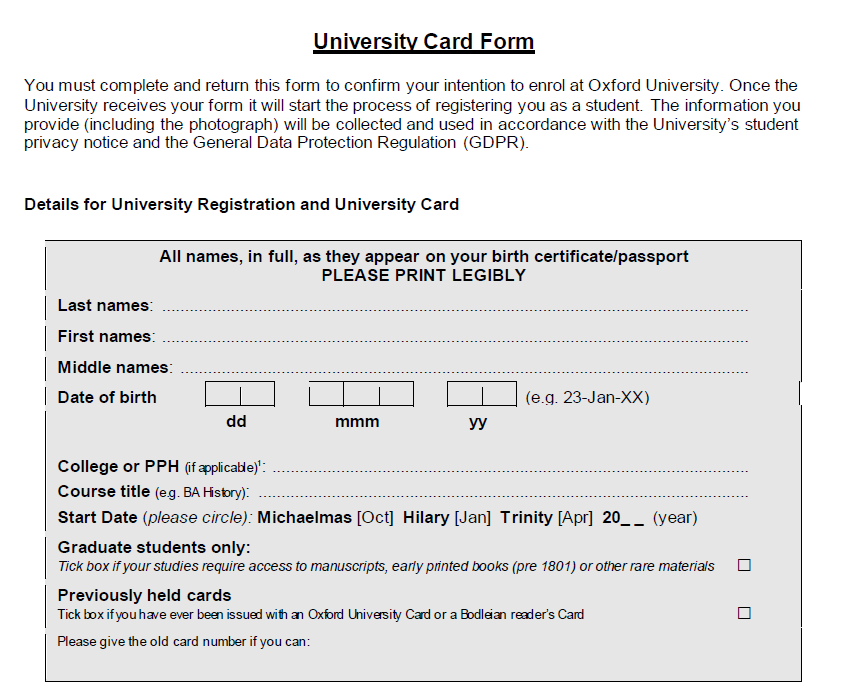
You all should have received an email from Holly, the Admissions Officer, encouraging you to complete the University Card Form.
Please print out and sign the form and attach a photograph. This just needs to be a photo which clearly shows your face – it could be a passport photo or a more casual one. Then, please either scan or take a photo of your completed form (as high quality as possible) and submit it online via our submission portal. If you have any trouble accessing a printer or scanner, please let us know. Please submit this by 31st August.
Please download the College Contract, complete the necessary sections on page 4, and save it. The entire document can then be submitted online via our submission portal.
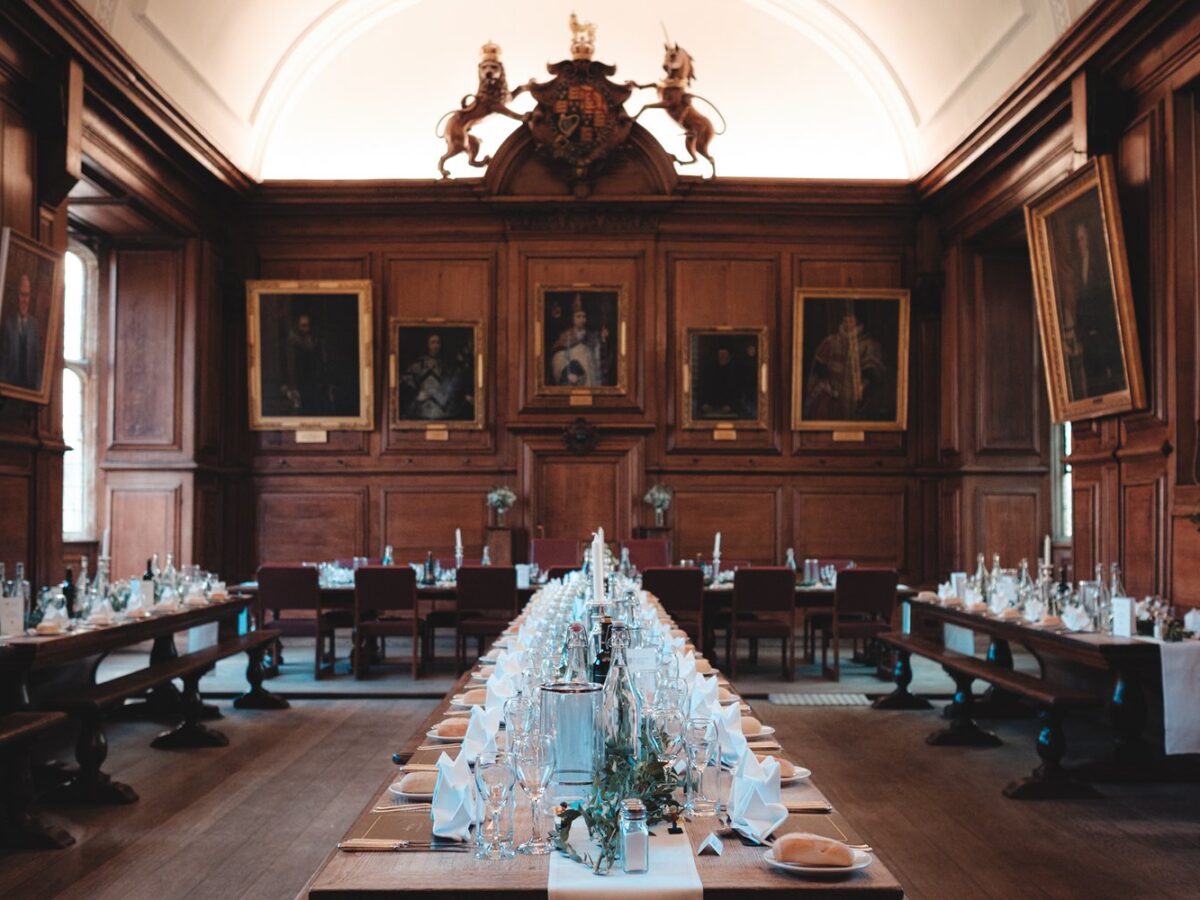
When submitting the College Contract, you will also be asked to provide dietary requirements to help with the planning of Freshers’ Dinner (more information about the dinner can be found on the Dates & Events page).
The College Doctors have written a letter explaining how to register with them. One of the links is broken in the letter – to access online GP registration, please follow this link: http://www.campusdoctor.co.uk/oxford/. Please complete this process as soon as possible, so that you can be registered before you come to Oxford, and to ensure that you can access medical care from the moment you arrive.
The College Doctors and our College Nurse, Kinnaret, have also produced this guide outlining the support they provide.
If you are unsure how the UK healthcare system works, a useful guide is available on the website of the UK Council for International Student Affairs.
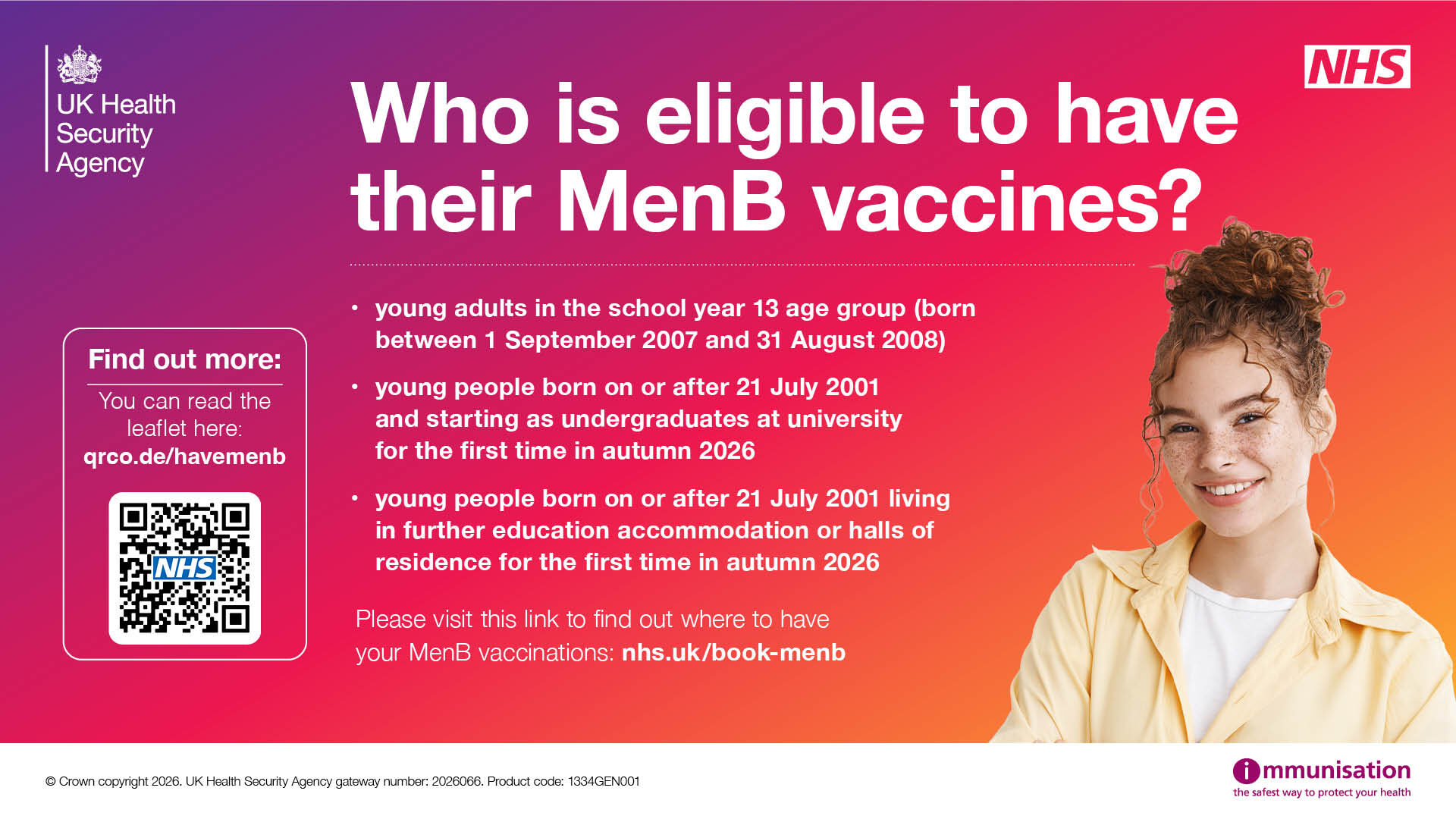
We have also been asked to share that you are eligible for your MenB vaccine; please see further information on the graphic.

If you declared a disability or medical condition when you submitted your UCAS application, then you will have received an email from the University’s Disability Advisory Service (DAS). Please reply to DAS quickly so that we can ensure support and access arrangements are in place before you arrive. If you would like to disclose a disability and register with DAS, or if you have not heard from DAS and would like to follow up with the team, please email them directly.

Once you have returned your University Card Form to us, your University IT account will be set up. You will be sent an email with your login details and asking you to enrol online for your course and an IT induction.
The details of our IT systems are linked below. We completely appreciate that this may look daunting, but please don’t worry – there will plenty of opportunties to ask questions and access support once you join us.
The College’s IT Office will hold an online IT induction in late September, to help you set up all the key IT systems and accounts you will need as a Brasenose student on Tuesday 22nd September at 10.30am on Zoom. A link to the meeting and passcode will be emailed to you all the week before. If you’re unable to attend, a recording will also be made available.

Completing the Harassment and Sexual Misconduct training is a requirement for all students starting a course at Oxford, as part of the University’s commitment to preventing and responding to harassment and sexual misconduct.
Please read through this webpage and this document, and complete the training after receiving your SSO (Single Sign-On) and before completing student registration.